![PSII white-01-3.png]](https://kb.psii.global/hs-fs/hubfs/PSII%20white-01-3.png?height=40&name=PSII%20white-01-3.png)
To access the Employer portal, follow the steps below:
Visit Employee Self Service
Tip: We recommend book-marking this page for future reference in your browser favorites for future use.
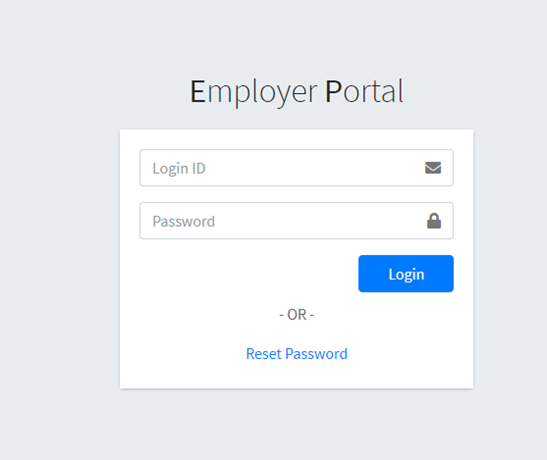
Enter the credentials assigned to you by your specialist or your Administrator.
Tip: if you have never logged into the Employer Portal before, you will be required to register your account prior to accessing the portal. To register, refer to the welcome email provided to you by your Specialist containing your user name, temporary password and activation instructions.
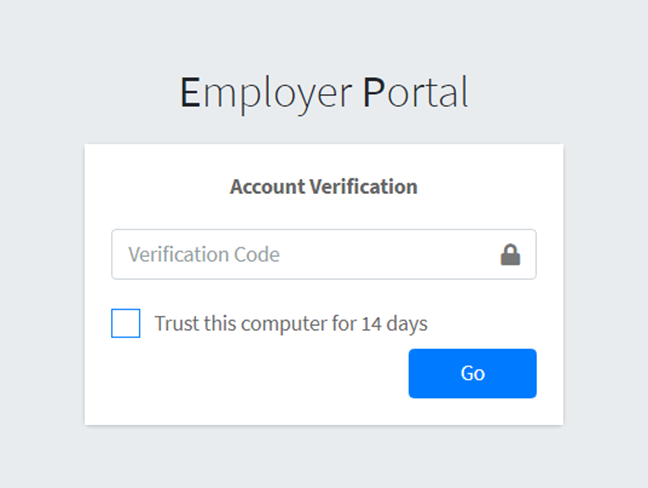
Tip: Our portals use email based multi-factor authentication. Selecting <Trust this computer for 14 days> will prevent the need to enter a code every time you are logging in.
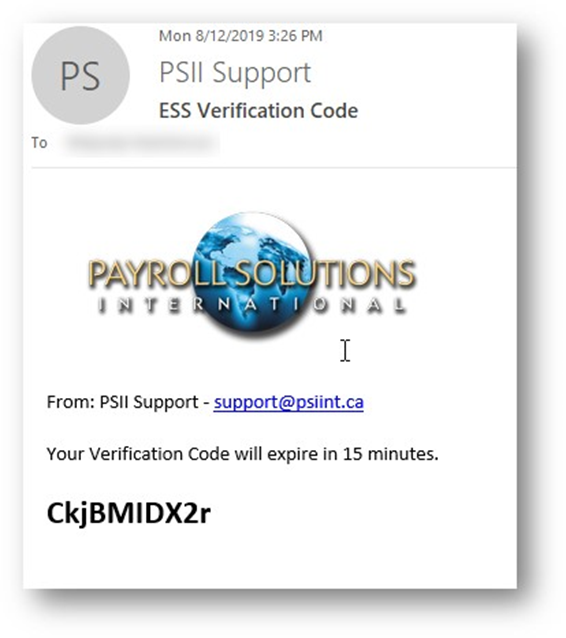
Periodically, a multi-factor authentication email containing a unique verification code will be transmitted to the user to enter prior to accessing the Employer Portal.
Note: if you do not receive this email within two minutes, check your spam/junk folder or speak to your IT team about your mail filter settings. We recommend marking PSII’s domain (psii.global) as a safe sender in your registered email to ensure that you receive all of our notifications.
Note: only tick the check box to ‘trust this computer for 14 days’ from trusted devices and networks. Always ensure you log out completely from your session.