![PSII white-01-3.png]](https://kb.psii.global/hs-fs/hubfs/PSII%20white-01-3.png?height=40&name=PSII%20white-01-3.png)
Procedure:
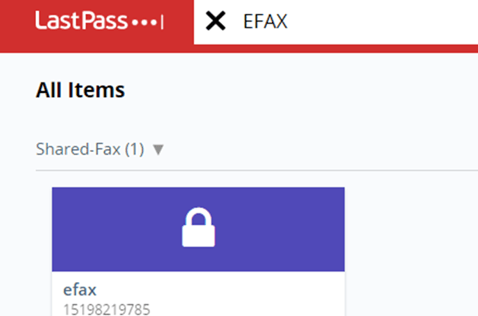
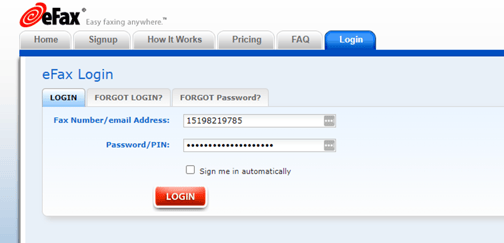
Login to eFax via Lastpass
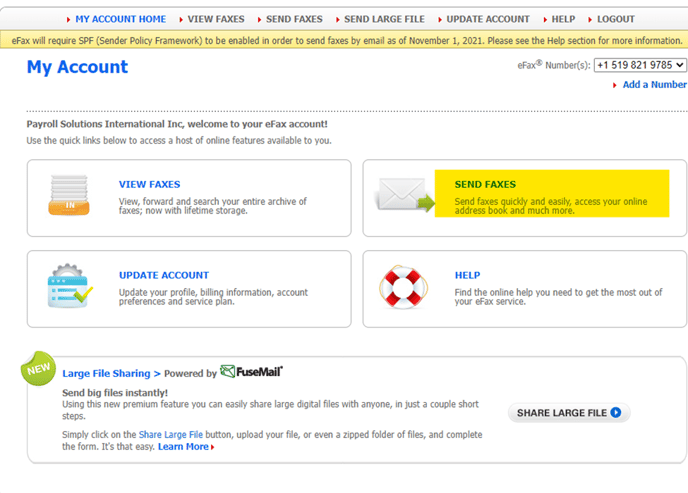
Select Send Faxes
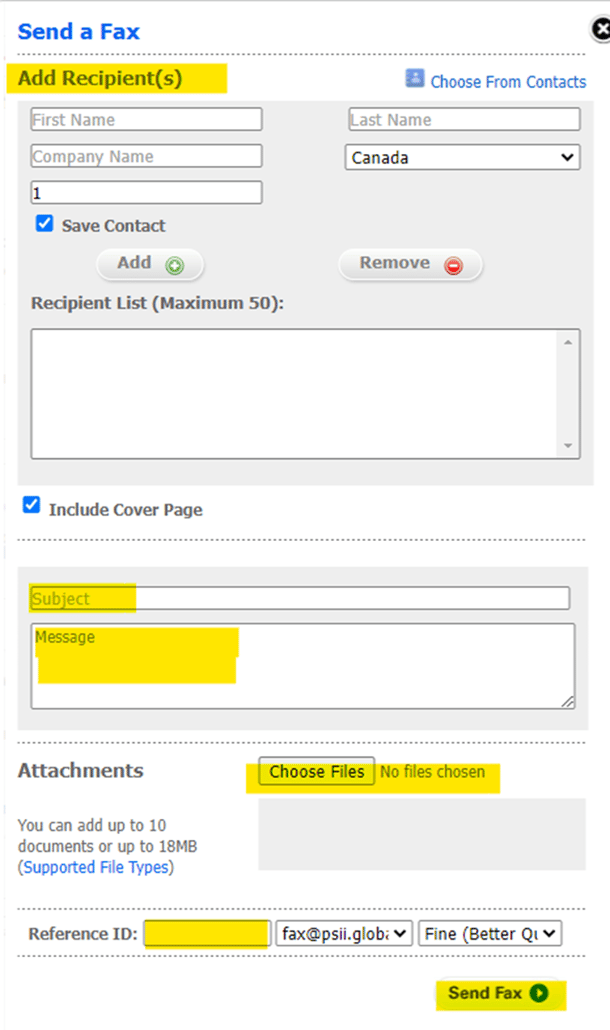
Add the recipient information by either selecting from the existing Contact list, or adding a new contact.
Enter a subject and message to appear on the cover page.
Browse and select the document(s) to fax.
Enter a Reference ID that can be used to reference your fax (ie; WCB Auth-Client Name)
Click Send Fax
Emailed fax confirmation will be sent to fax@psii.global
Save the confirmation in the client’s folder as backup.
If the email states the fax was unsuccessful, repeat the above noted steps to re-send the fax.